.svg)

Get started Alarmy
by scanning the QR code
by scanning the QR code

%201.svg)
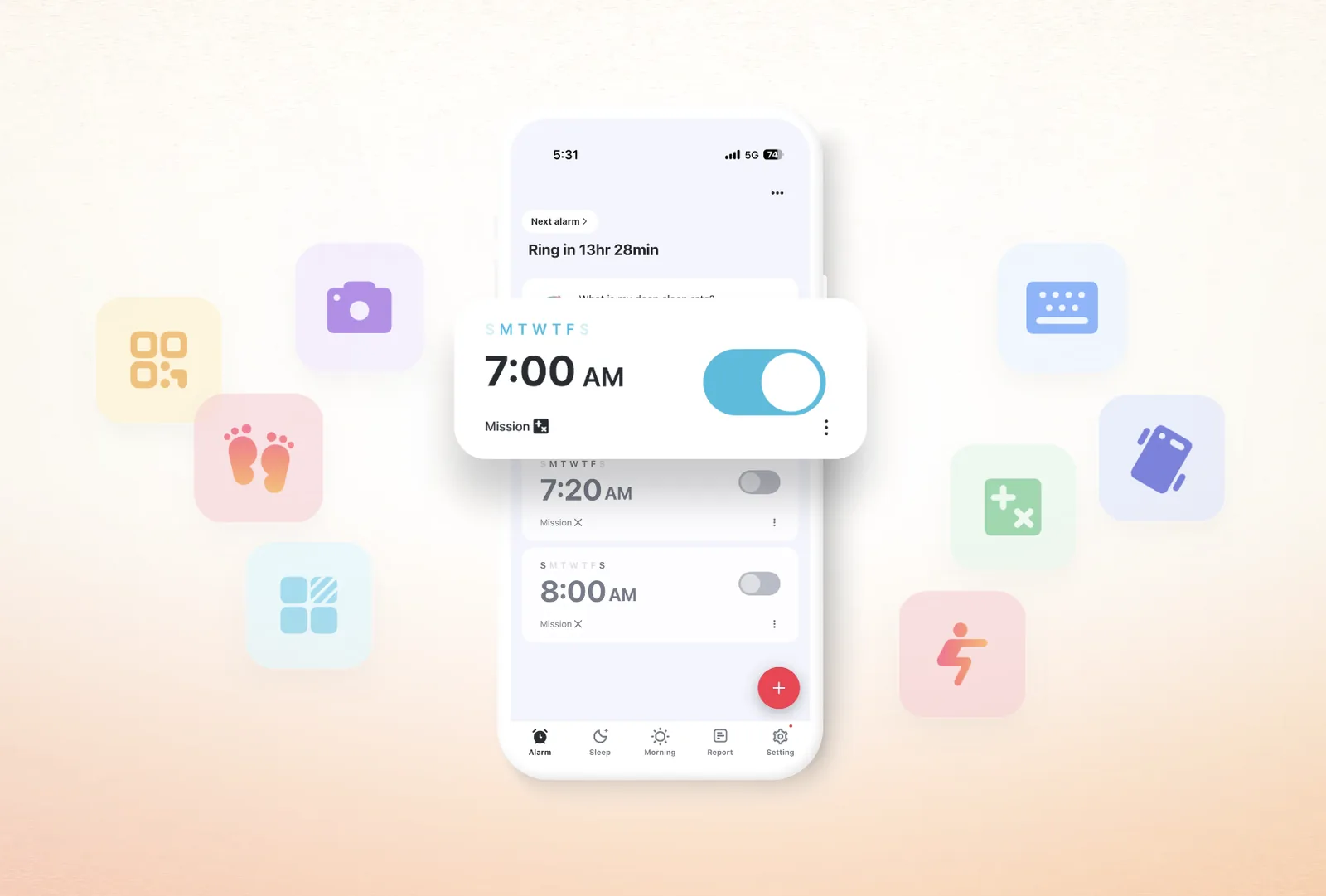
Is louder really better? If you've ever woken up to find five dismissed alarms on your phone and no memory of touching any of them, you already know the answer. Volume isn't the problem. The dismiss action is.
Most alarms only ask you to swipe or tap. That's a motion your hand can complete while your brain is still asleep. The alarm goes off, you autopilot the dismiss, and you slip back under. Stacking three more alarms five minutes apart just gives you three more chances to do the same thing.
A mission alarm changes the rule. The alarm only stops when you actually finish a defined task. Solve a math problem, take a photo of your sink, walk thirty steps, or find a random object in your house. The friction is the feature. You can't dismiss what you haven't earned.
If you're more focused on the sound side, the companion guide on picking the right alarm sound covers tone matching. This article handles the other half: matching the right mission to your sleeper type.
Set an alarm with a mission attached, and the alarm only stops once the mission is complete. No swipe-to-dismiss shortcut. No silent button. The task gets done or the sound keeps going.
You can also chain missions. One alarm can run a Math problem, then a set of Squats, then a Shake count, all in sequence. Stacking missions like this is the strongest fix when a single mission stops working on you.
For location-bound missions like Photo or QR/Barcode, Alarmy includes an emergency dismiss mode for travel days when the reference photo or barcode isn't available. So a hotel room or business trip won't break your routine.
Pair any mission with Alarmy's Fall-Back-Asleep Prevention setting and the app re-checks you a few minutes after dismissal. If you don't respond, the mission starts over. That second checkpoint catches the classic "I got up, then crawled back under the covers" pattern.
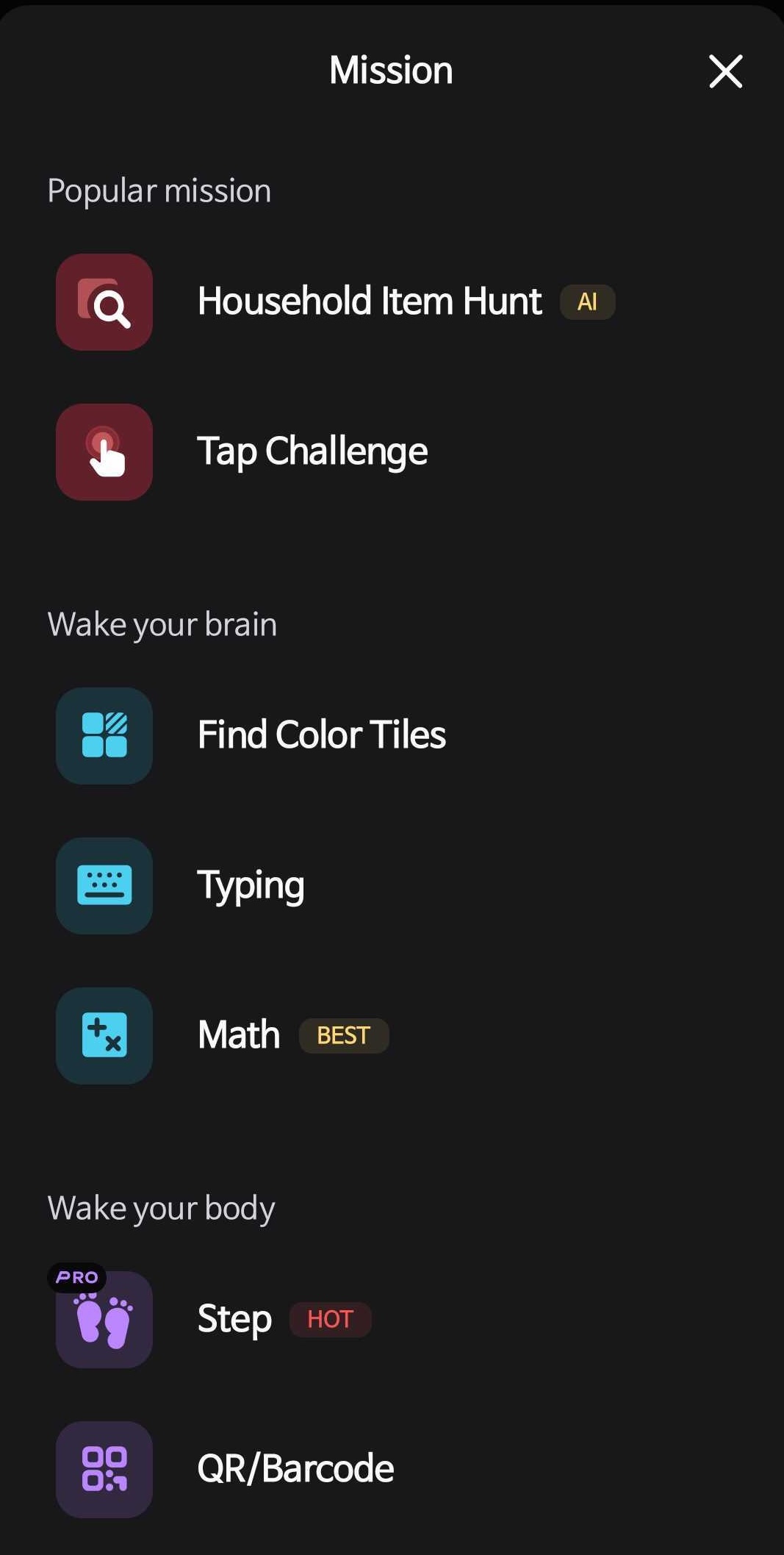
Nine missions sounds overwhelming, but they fall into three clean categories based on what they activate first: brain, body, or location. Quick disambiguation. "AI mission" is just another name for Household Item Hunt, the same mission. Don't think of it as a tenth.
These force your brain to engage before the alarm gives up.
These get your body moving so your circulation and breathing pick up.
These send you somewhere specific in your home, away from the bed.
Picking the "best" mission only makes sense in the context of how you fail at mornings. Here are six common patterns and which mission tends to work for each.
If you've already turned off the alarm before you remember hearing it, cognitive missions probably won't save you. You need something your sleeping body can't fake. Photo and Household Item Hunt both work because they require leaving the bed and aiming a camera at a specific thing. There is no shortcut. The deeper version of this case is covered in the heavy-sleeper force-wake-up guide.
You wake up but your head feels stuffed with cotton for the first twenty minutes. Math Problems or Memory Tiles add cognitive load on purpose. The mental effort of solving an equation pulls you out of sleep inertia faster than passive activity would.
You're new to mission alarms and don't want to commit to squats or item-hunting on day one. Shake is the gentle entry point. Small in-bed motion, finishes in under a minute, and still more than a swipe. Typing can sit alongside it if you keep the prompt short.
You'd like the alarm to double as a tiny workout. Squat and Walking turn the dismissal itself into a physical routine. Twenty squats or fifty steps before you can silence the phone builds a small but consistent morning movement habit.
You've used one mission for months and started auto-completing it without thinking. Household Item Hunt is the antidote. The randomized item pool means you can't predict what you'll be hunting for, so muscle memory doesn't kick in.
You can't blast a loud alarm because you live with someone or sleep in a shared space. Pair QR/Barcode with Alarmy's Earphone Alarm so the sound routes through your earbuds while the mission still requires you to scan a code somewhere across the room. Quiet to others, mandatory for you.
A single mission usually works for a few weeks. Then your brain learns the shortcut. Multi-mission chaining is how you stay ahead of that adaptation.
Three combos worth trying:
For maximum effect, layer Fall-Back-Asleep Prevention on top. After you finish the chain and dismiss the alarm, the app checks in a few minutes later. Skip the check, and the missions reset.
One word of caution. Don't start with three missions on day one. The setup feels punishing, and you'll either disable it or oversleep the timer. Begin with one mission for two weeks. If your wake-up rate is still poor, add a second. Treat it like progressive overload at the gym, not a cold-water plunge.
The right mission is the one that targets your specific failure mode. Heavy sleepers need location-bound friction. Foggy brains need cognitive load. Low-effort starters need a gentle on-ramp.
Try one mission for one to two weeks. If your wake-ups stay clean, keep it. If you start sleeping through it again, switch to a different category instead of just turning the volume up. Open Alarmy, set a mission alarm, and pick the one that fits the way you actually wake up.