.svg)

Get started Alarmy
by scanning the QR code
by scanning the QR code

%201.svg)
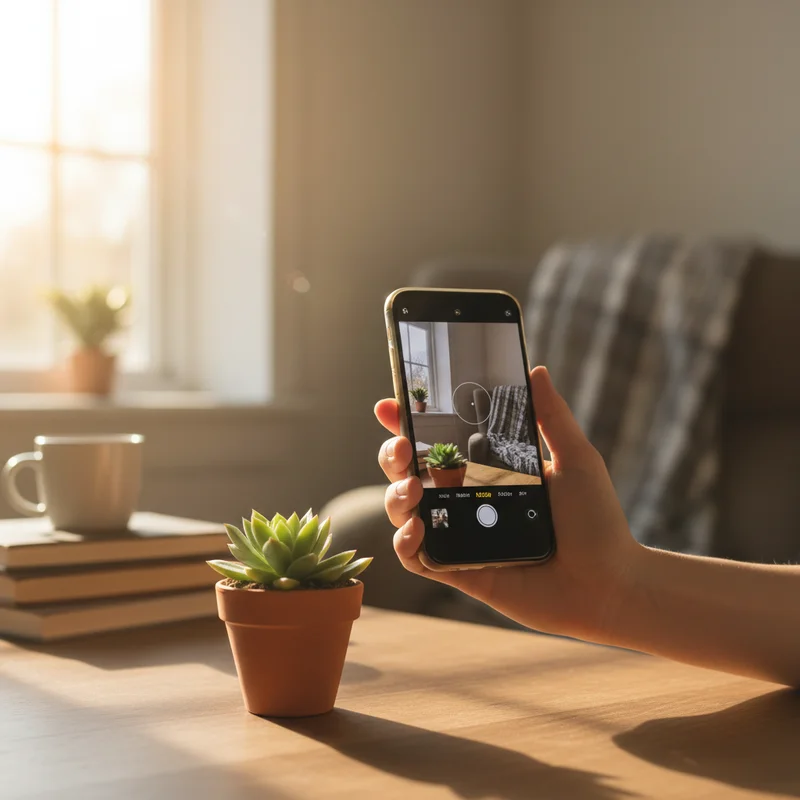
Did you know Alarmy has an alarm mission powered by AI? Every morning, the app randomly assigns you a household object — and the alarm won't stop until you find it and take a photo. It sounds quirky, but there's real sleep science behind why it works. Let's start with the problem it's solving.
Most people assume they're just "not a morning person." That foggy, glued-to-the-mattress feeling after an alarm goes off isn't a personality trait — it's biology.
The moment you wake from deep sleep, your brain enters a state called sleep inertia. Your prefrontal cortex — the part responsible for decision-making and alertness — is still sluggish. Cognitive performance dips, reaction time slows, and your body temperature hasn't fully risen yet. This state typically lasts 15 to 60 minutes.
The snooze button trap feels like relief, but it's the opposite. When you tap snooze, your brain tries to re-enter a sleep cycle. You don't get restful sleep in those extra five minutes — instead, you interrupt a new cycle mid-way, often landing in deeper slow-wave sleep. Waking from that point means even worse inertia than before.
The fix isn't willpower. It's breaking the inertia with movement.
The Alarmy AI Mission — also called the Household Item Hunt — is an alarm dismissal method where the app assigns you a random household object each morning. To turn off the alarm, you have to physically locate that item and photograph it. The app's AI-powered object recognition verifies the photo in real time. No match, no silence.
When your alarm fires, Alarmy shows you a target: "Find your plant" or "Find your sink." You have to get up, walk to wherever that object lives, and take a clear photo. The alarm keeps ringing until the AI confirms a match.
That process — standing up, walking, focusing on a task — is exactly what sleep inertia needs to dissolve. By the time you've tracked down your coffee mug or found your jeans, your body is moving and your brain is engaged.

The object recognition running in the background is what earns the "AI" label. When you submit a photo, a machine learning model identifies the object in real time and checks it against the assigned target. If you photograph a chair when the app asked for a clock, it won't dismiss. The AI is both the gatekeeper and the challenge.
The item pool spans three broad categories: household furniture and decor (sink, sofa, clock, plant, desk), personal items (glasses, handbag, jeans), and even pets — both dog and cat are on the list. That's 71 items total, spread across everyday spaces in a home.
The variety matters. A different target each morning means you can't develop an autopilot routine — your brain has to actually engage rather than dismiss the task on muscle memory.
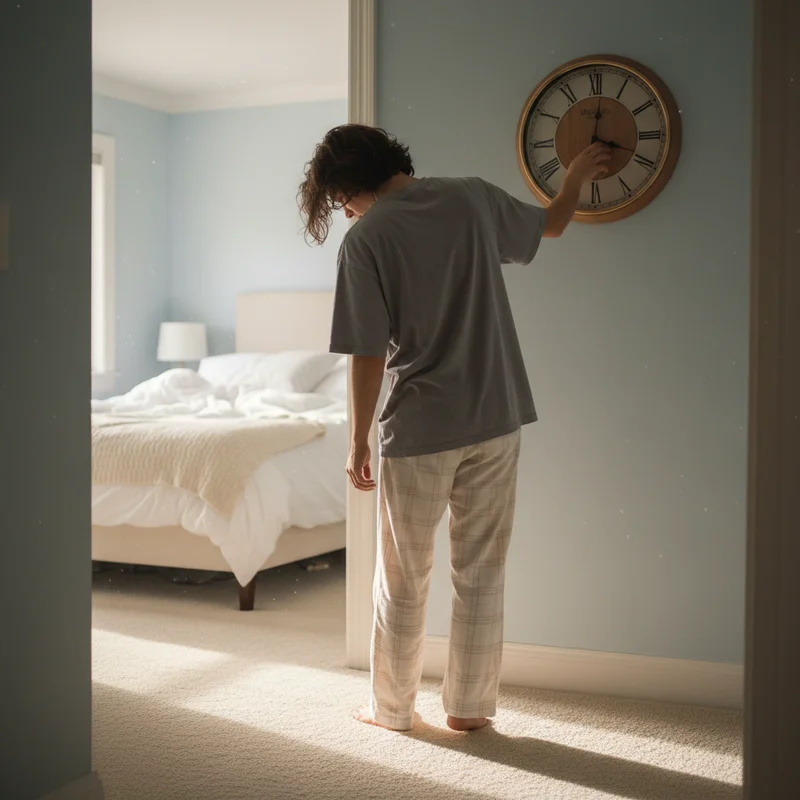
One concern people often have: "What if I don't own a sofa?" or "My cat is nowhere to be found at 6 AM." The app accounts for this. Before setting your alarm, you can browse the full item list and deselect anything that doesn't apply to your home. Only approved items will appear.
If something slips through anyway — or you're staying somewhere unfamiliar — you can re-roll mid-mission for a replacement. It's built-in flexibility for real-world situations.
For anyone already exploring alarm missions for heavy sleepers, the Household Item Hunt takes that logic further by making every morning unpredictable.
Numbers tell part of the story: over 100,000 people complete the Alarmy AI Mission each day. That kind of consistent daily usage suggests people aren't just trying it once — they're making it a regular part of their morning.
Alarmy's official TikTok channel has posted several clips of the mission in action, and the comment sections are full of people who recognize the panic of hunting for a random object while half-asleep.
Here's one where the mission assigns stairs — which means climbing to another floor before the alarm stops.
This one assigns a sink. Straightforward in theory, until you realize you have to walk to the bathroom and get a clean shot while your eyes are still adjusting.
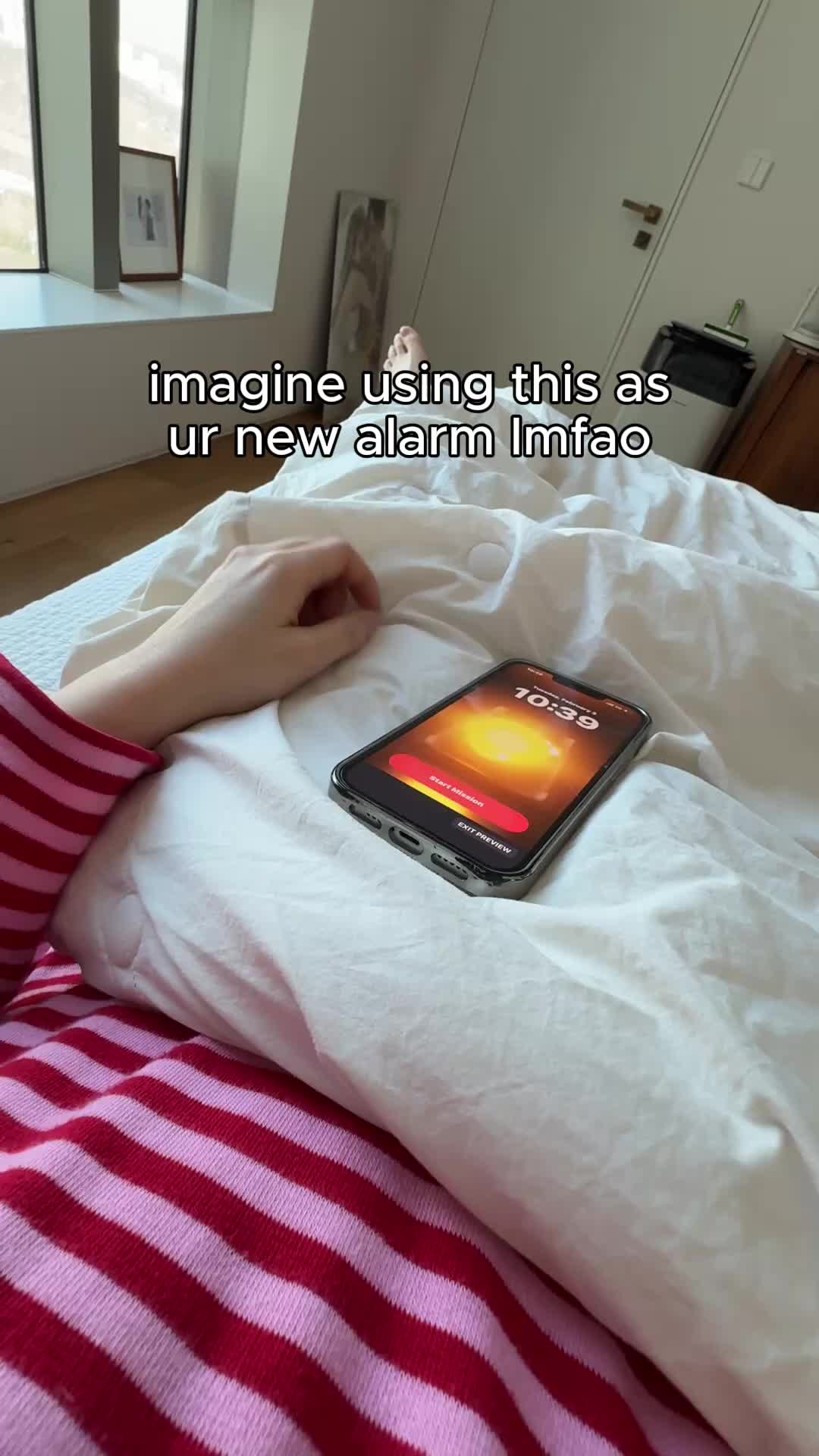
And this one: a bag. Hunting through a dark room for your handbag at 6 AM is more of a challenge than it sounds.
What the videos capture isn't just the mission — it's the moment sleep inertia breaks. By the time the person finds the item, they're moving, they're focused, and they're awake.
Open the Alarmy app and create or edit an alarm. Under mission settings, select "AI Mission" (listed as Household Item Hunt in some versions). Browse and deselect any items that don't apply to your space, then save.
Give it a try tomorrow morning — one morning is usually enough to know whether it works for you.

You can pre-select your pool before setting the alarm, removing items you don't own. If something slips through, the re-roll button mid-mission lets you swap to a different item on the spot.
The recognition works well under normal lighting, but dim rooms or unusual angles can cause issues. Taking the photo in decent light gives the most reliable results. If the app doesn't accept a valid shot, trying a slightly different angle usually clears it up.
Yes. Each alarm in Alarmy can have its own mission setting. You can assign the AI Mission to all your alarms, or mix and match with other mission types depending on the day.