.svg)

Get started Alarmy
by scanning the QR code
by scanning the QR code

%201.svg)
When we set an alarm for 6 AM, the point isn't to hear an alarm sound at 6 AM. It's to actually wake up at 6 AM and start the day we planned. The default phone alarm and Alarmy share the same name, and the same outer shape of "a sound at a set time," but they approach that underlying goal in completely different ways.
A default phone alarm aims for one thing: make noise at the set time. When the time comes, the sound rings and a tap turns it off. It's a clean, focused tool. Alarmy aims for something different: get you up at the set time so you can actually start the day you planned. The sound is just the opening move, not the finish line.
Because the two tools were built around fundamentally different goals, asking which one is "better" misses the point. If your first alarm reliably wakes you and your schedule is steady, a default alarm covers the job cleanly. If the gap between "the alarm rang" and "I actually started my day" tends to swallow your morning, Alarmy works in a different way.
This article maps the gap across 5 concrete differences, so you can see where your morning friction actually lives:
On a default phone alarm, dismissing is one big tap. That's the design. Make it easy. The catch is that "easy" also means dismissible by reflex. Heavy sleepers have full conversations with their phones at 6 AM and remember none of it.
Alarmy ships with 14 wake-up missions, and dismissing means completing a real task. Solve a math problem, shake the phone a set number of times, scan a QR code stuck to your fridge, do squats with motion tracking, find a randomly assigned household item with your camera, or type out a short sentence. The alarm only stops when the mission completes.
Missions can be chained (math, then squats, then shake), so reflex dismissal stops working even on a half-asleep brain. Location-dependent missions like Photo or QR include an emergency dismiss mode, so traveling without your usual fridge magnet isn't a trap.
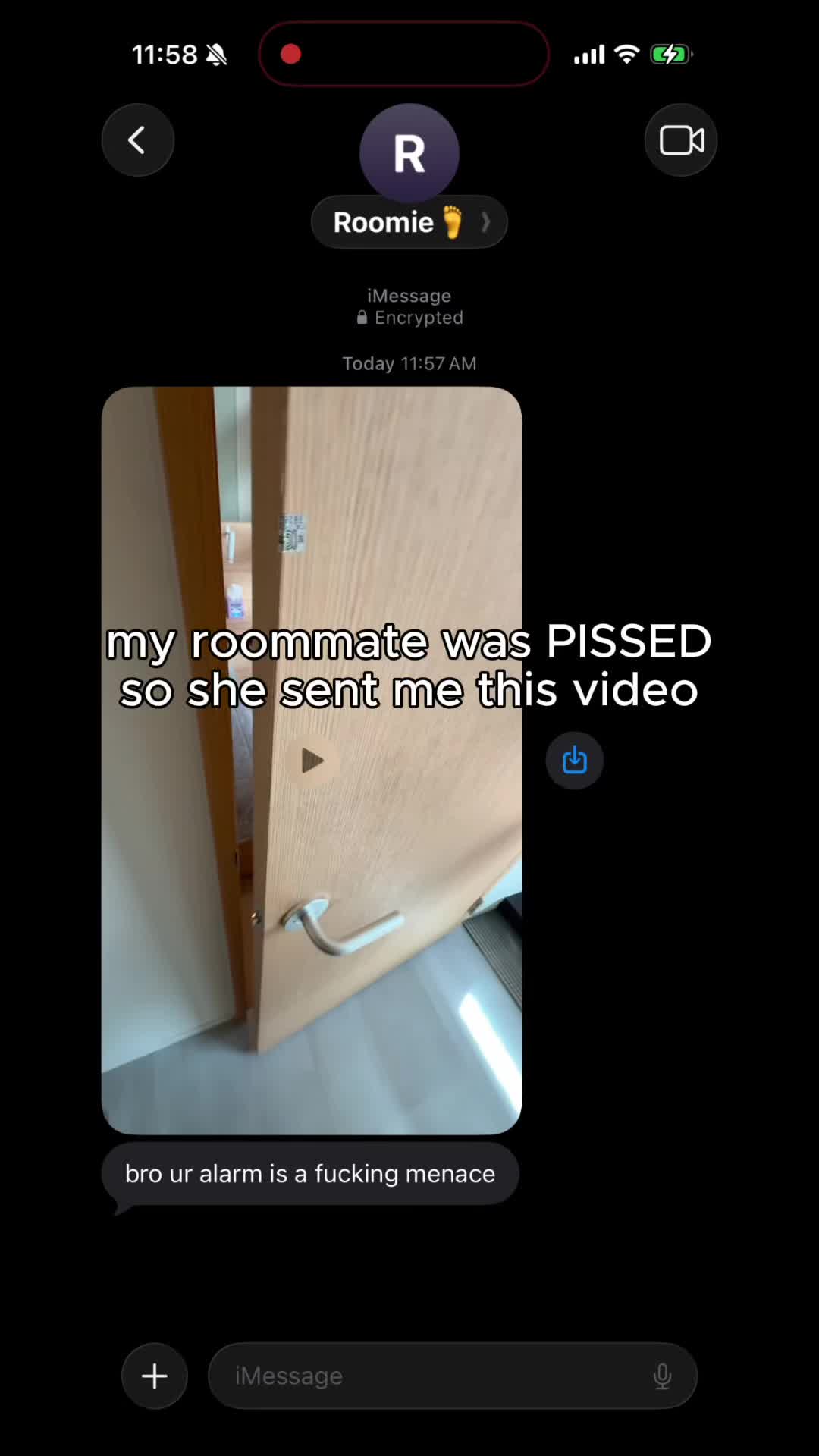
If you want to see how mission alarms play out across specific frustration moments, the companion piece on iPhone Android alarm vs mission alarm walks through 5 real scenarios.
A default phone alarm gives you a handful of built-in ringtones. After a week, your brain learns the sound and stops responding. Sleep researchers call this habituation, and it's why "I sleep through my alarm" usually means "I sleep through one specific tone."
Alarmy takes the opposite approach. Hundreds of original sounds sit inside categories like trending, loud, motivational, classic, and calm. Multi-language TTS alarms let a voice call out your name or a custom message. Gentle Wake-Up gradually ramps the volume for people who hate jolts, while Surprise Sound Boost drops loud alert bursts mid-alarm for sleepers who tune everything else out.
On top of plain audio, Alarmy supports Video Alarms, which are short clips that play instead of (or alongside) a ringtone. Some of the most popular ones started as memes inside the app's community before becoming staples.
Choosing a sound is its own small skill, and the guide on how to choose an alarm sound breaks the categories down by sleeper type if you want a starting point.
The default alarm offers three predictable escape routes. Snooze runs unlimited. Powering off the phone ends the alarm entirely. On Android, uninstalling the app works for the very determined. None of these require being conscious. They require being annoyed.
Alarmy was designed around closing those routes. Fall-Back-Asleep Prevention re-checks a few minutes after dismissal; if you don't respond, the missions restart from scratch. Power-Off Prevention blocks attempts to power the phone off when the intent is to avoid the alarm. Uninstall Prevention blocks attempts to delete the Alarmy app for the same reason. All three (Fall-Back-Asleep Prevention, Power-Off Prevention, and Uninstall Prevention) ship as free baseline features, available the moment you install the app.

None of this is about willpower. It's about removing the half-asleep workarounds that exist on a default alarm by design. For sleepers who lose every morning to the same three tricks, the Alarmy force wake-up features for heavy sleepers breakdown goes deeper into how each block works.
A default phone alarm has no idea how you slept. It rings, you dismiss, the data ends there. Sleep itself lives in a separate app, if you use one at all.
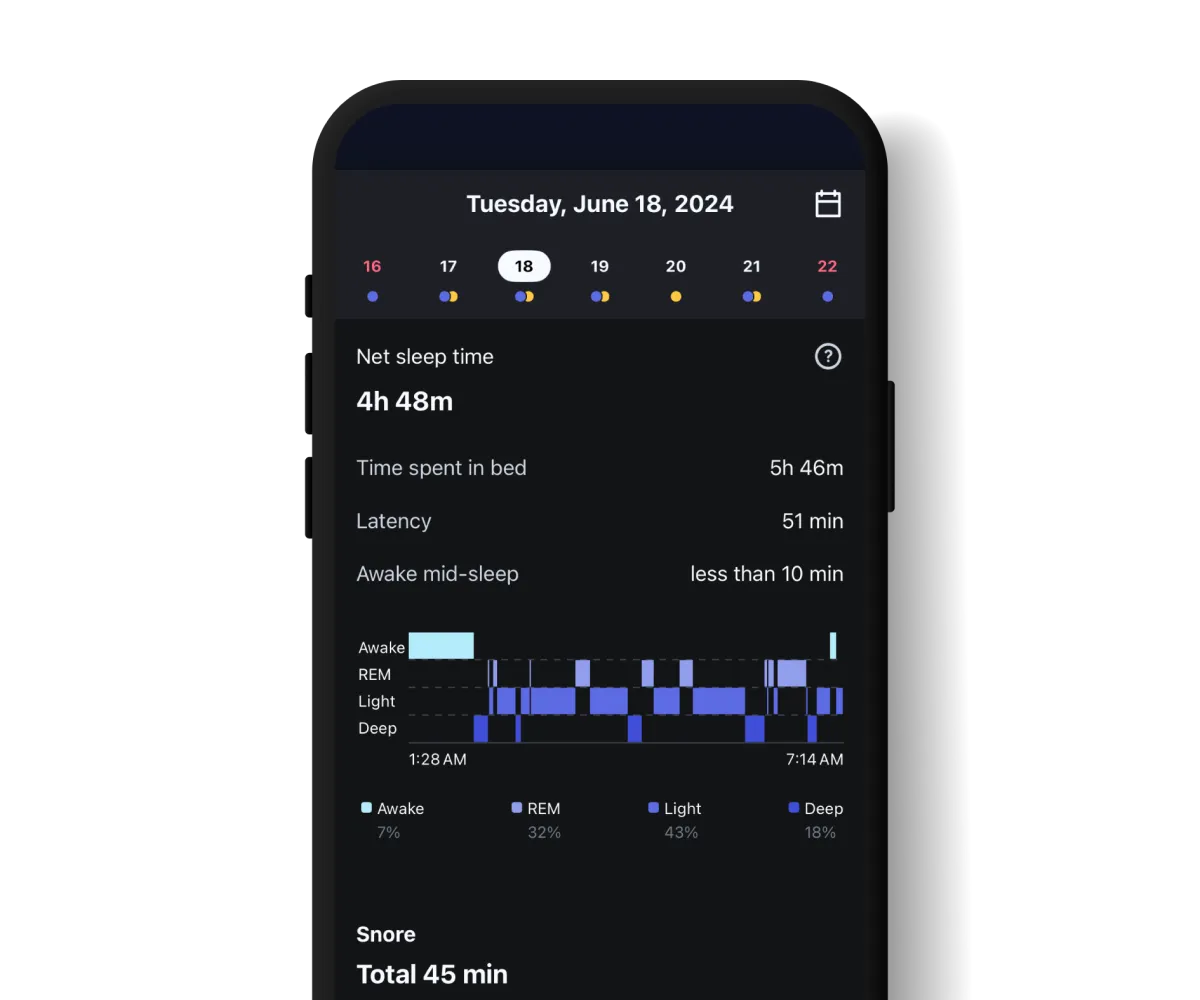
Alarmy folds sleep analysis into the same surface as the alarm. The analysis runs on Alarmy's own RespireSegNet model, which measures breathing rate and cycles through the night. The model was presented at IEEE ICEIC and published as a research paper, so the underlying method is open to inspection.
From that analysis you get detailed sleep-quality data: REM sleep ratio, time to fall asleep, deep sleep ratio, and how continuous or broken the night actually was. The same 7 hours can mean very different things from one night to the next, heavy on deep sleep one night and fragmented and light the next. Seeing those numbers turns "why am I more tired today?" into a question you can actually answer.
Beyond the cycle breakdown, you also get snoring recording with playback, Sleep Sounds for falling asleep (rain, white noise, brainwave entrainment), and a Wake-Up Report covering average wake time and how long it takes you to actually get up. The point isn't "track everything." It's that the alarm app already knows when you went to bed and when you got out, so analyzing the hours in between is a natural extension, not a separate workflow.
The default alarm covers the basics: a time, weekday toggles, a snooze button with a fixed interval. That works fine for steady weekly schedules and breaks down the moment life gets specific.
Alarmy adds five small flex features that show up in the messy edge cases:
None of these are headline features. They're the small frictions that quietly add up when a default alarm forces a workaround every time the week looks unusual.
A default phone alarm is enough if your schedule is regular, your first alarm gets you up, and you don't need anything past "ring at this time." That's a clean fit. No app subscription, no learning curve. Be honest if that's you.
Alarmy fits if you feel friction in even one of the five differences above. You don't need every feature. Most users settle into one or two that match their pattern, like missions for reflex dismissal or sleep analysis for understanding fatigue. Pick the difference that matches your morning, not the longest feature list.