.svg)

Get started Alarmy
by scanning the QR code
by scanning the QR code

%201.svg)

Is the default Clock app on your phone actually enough? For most people the honest answer is "barely." The iOS Clock and Google Clock ship with around 20 to 30 stock sounds, no missions, no sleep tracking, and unlimited snooze. If you keep dismissing alarms in your sleep, or if a single ringtone has stopped waking you up, the gap is structural, not personal.
There used to be one reason to stay on the built-in clock anyway: reliability. Third-party apps couldn't override Silent mode or Focus, and a lock-screen alarm sometimes didn't ring. iOS 26 changed that. Third-party alarm apps now get the same lock-screen and Silent/Focus override permissions as the system clock. The structural reasons the system clock falls short for heavy sleepers haven't changed. The platform just finally caught up to the apps trying to solve them.
This is not a "best app" verdict piece. It's a category-by-category comparison of four options so you can match the right app to your own wake-up pattern.
Before naming apps, it helps to fix the criteria. Most "best alarm app" lists rank by feel. A useful comparison ranks by what actually changes your morning. Five axes cover almost everything that matters.
| Criterion | What it means | | --- | --- | | Wake intensity | Snooze blocking, mission types, power-off prevention | | Sound and video variety | Curated original sounds, video alarms, music import | | Sleep tracking | Sleep stages, snoring recording, weekly reports | | Platform | iOS only, Android only, or both | | Track record and scale | Years in operation, total downloads, active users |
Wake intensity decides whether the alarm survives a sleepy hand at 6 AM. Sound variety matters because the brain habituates to a sound it has heard for weeks. Rotating ringtones is a real strategy, not a preference. Sleep tracking matters only if you actually want the data. Platform decides whether your partner can use the same app you do. Track record is a proxy for how stable the alarm is six months from now.
The default clock on your phone covers the basics and stops there. You get a daily alarm, a small library of stock tones, and a snooze button that resets forever. Apple's library sits at about 25 sounds. Google's Clock pulls from a similar set, plus access to Spotify and YouTube Music for the alarm tone.
There are no missions, no snooze penalties, no sleep tracking, and no recorded voice prompts. The interface is clean, the alarm is dependable, and the trade-off is that nothing in the app fights back if you keep snoozing.
iOS 26 closed the one structural advantage the built-in clock had. Third-party apps can now match it on lock-screen reliability and Silent/Focus override. The line that "only the system clock actually rings" is no longer accurate.
Light sleepers who already wake up on the first alarm, and anyone who wants the alarm to stay out of their way. If you've never thought about your alarm app, the built-in is doing fine for you.
Alarm Clock Xtreme is one of the older third-party clock apps on Android. It has more than 50 million downloads and an average of 4.50 stars from 1.2 million reviews. It is free with ads, with an optional paid removal.
The defining feature is the snooze penalty. You can fade the snooze interval down each time, cap the total number of snoozes, or both. There are also two basic missions, math problems and a phone shake, that you can attach to dismissal. Alarm sounds come from a default library plus any music file on your device.
There is no sleep tracking, no voice briefing, and no video alarm. The app is Android-only, which rules it out for households on iPhone or mixed platforms.
Android users with a single specific need: kill the snooze button without paying for it. If you want missions deeper than math, video alarms, or sleep data, this isn't the app.
SuperAlarm launched in 2024 and reports roughly 100,000 users so far. It positions itself as a "loud alarm clock," optimized for users who want sounds engineered to be hard to sleep through.
The feature set is broad. You get mission dismissals (math, walking, shake, photo, memory, typing), snooze blocking, and power-off prevention so the alarm doesn't die when you reach for the power button. A voice briefing reads out the time and the day's weather when the alarm goes off. SuperAlarm shipped lock-screen alarm and DND/Silent override on iOS 26 early, which is part of how it markets itself.
Pricing is subscription or a one-time payment, with no permanent free tier.
The honest caveat: SuperAlarm's feature list overlaps substantially with Alarmy's (missions, voice briefing, power-off prevention), and its track record is short. There isn't long-horizon reliability data yet on how the app holds up across iOS and Android updates.
Users who specifically prioritize loud alarm sounds, are comfortable paying for an alarm app, and don't mind being early on a newer product.
Alarmy has shipped on both platforms for 13 years, with 392 releases averaging roughly a release every 12 days. The numbers describe its scale most clearly. 120 million downloads, 180 countries, 8 million monthly active users (roughly the population of New York City), 10 million alarms triggered per day (about 116 every second), and 700,000 hours of sleep tracking per day.
The mission set has nine variants: photo, math, shake, QR or barcode, household item hunt, typing, walking, squat, and memory tiles. Missions can be chained together, so a single alarm can require math, then twenty steps, then a photo match.
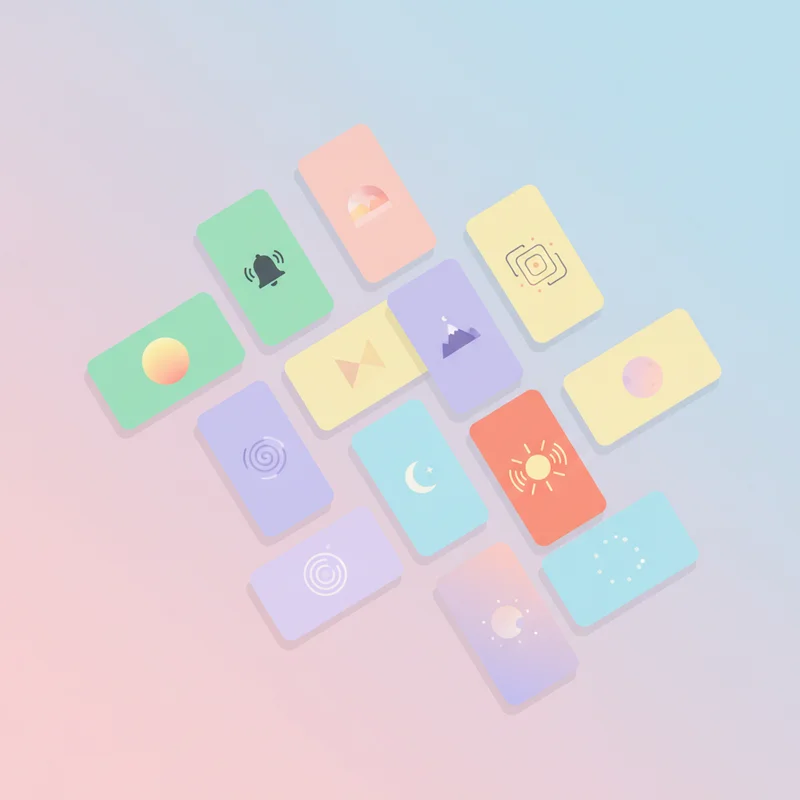
The sound library is the part most other apps don't try to match. Alarmy's curated originals include "Air Raid," "End of the World," and "Rooster Minecraft Alarm" on the loud side, plus calm and motivational categories on the softer side. The app also ships more than 70 video alarms at alar.my/ringtones, a format almost no other alarm app offers. For context on why video formats land differently than music, see the breakdown of music alarms versus video alarm ringtones.
What's structurally different from SuperAlarm is the wake mode split. Alarmy ships both a loud alarm path (designed for heavy sleepers) and a gentle wake mode (volume fades in over a set window) in the same app. You don't have to choose between the two when you install. You choose per alarm.
Sleep tracking, time and weather voice briefing, and power-off prevention are also included. The base app is free; a premium tier unlocks the deeper mission set. If you want the full breakdown of how each mission type works in practice, the deep-dive guide goes mission by mission.
Users on either iOS or Android, especially mixed-platform households. Users who want both loud and gentle wake modes available. Users who prefer an app with a long shipping history.
The cleanest way to land this is by user type, not by ranking.

There is no overall winner here. The "best alarm app" is the one that matches the pattern you actually wake up with.
Run a quick self-diagnosis before installing anything. Do you want to be jolted awake, or eased awake? Are you dismissing alarms in your sleep, or just snoozing? Do you want sleep data, or just a reliable ring? Pick the app whose strengths line up with those answers. If you fit the loud-and-gentle profile and want a long-running app on both platforms, Alarmy is worth installing first.